Alternate
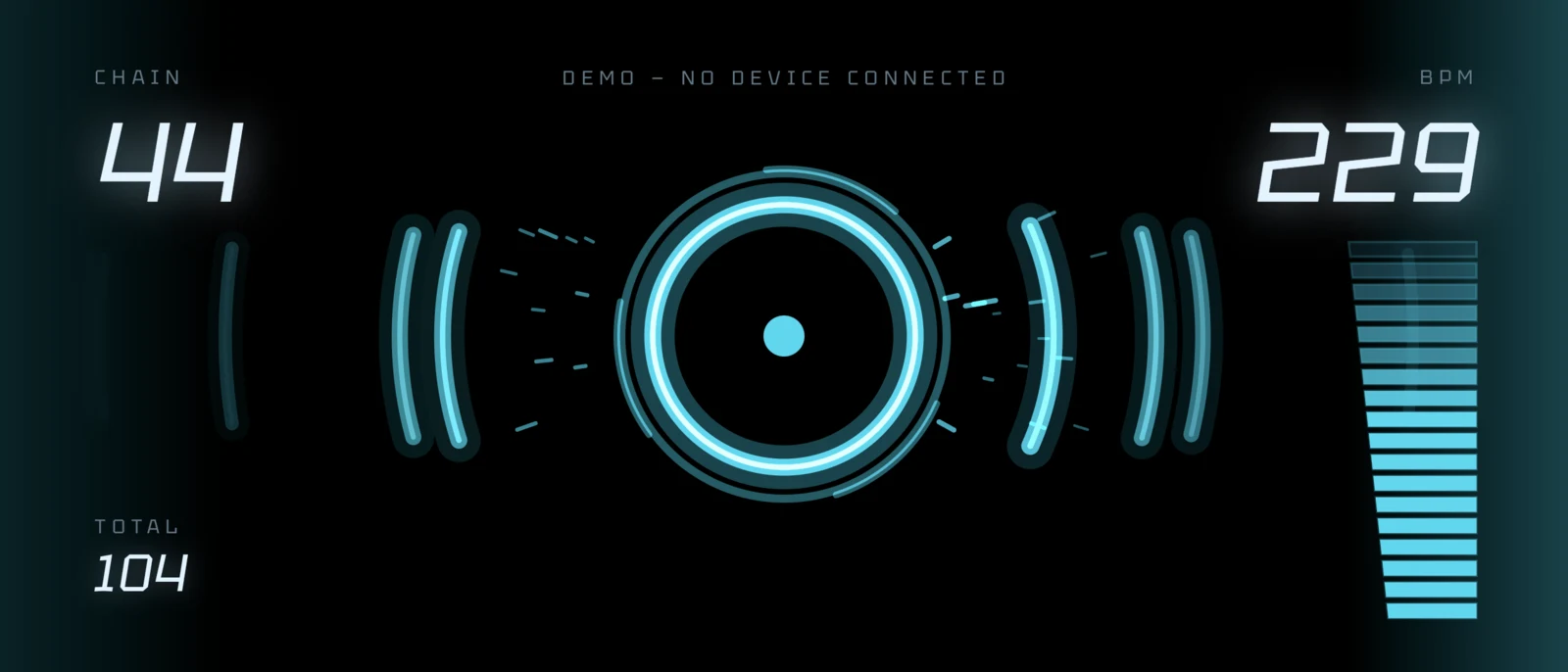
Alternate turns an Android phone into a USB MIDI keypad for osu!. The whole screen is one button, and every tap fires one of two notes, alternating. A single finger produces the alternating key presses a stream needs, at speeds no single key can reach.
That is the entire idea, and the app does nothing else.
Why MIDI
Because osu!lazer speaks it natively. No bridge to install, no driver, no key-mapping utility in the middle: the phone appears as a MIDI device and the game reads it as a keyboard. One cable, one setting in the game.
The flip side of that decision is iOS. An iPhone cannot act as a USB MIDI device at all; what is left is Network MIDI over Wi-Fi and Bluetooth LE MIDI, and both add latency and jitter a 200 BPM stream will feel in your hand. The logic would port in an evening. The one thing that makes the app worth using would not.
One number
Everything inside is built around the time from glass to wire.
The MIDI note goes out first: the engine decides the note and the byte is on the wire before any animation state is touched. The tempo maths runs afterwards, in the frame loop. Nothing allocates on the hot path — engine state is primitive arrays, the message buffer is allocated once, particle pools are ring buffers. No garbage means no collection pause mid-stream. Sending is synchronous on the touch thread, because handing the write to another thread would add scheduling to the latency and give nothing back.
Intervals are measured from the input event's own clock rather than the handler's: a busy UI thread must not skew the tempo. On Android 13+ touch dispatch is unbuffered, which saves up to a frame. The fastest display mode is requested at startup — more frames per second also means the touch sensor is polled more often.
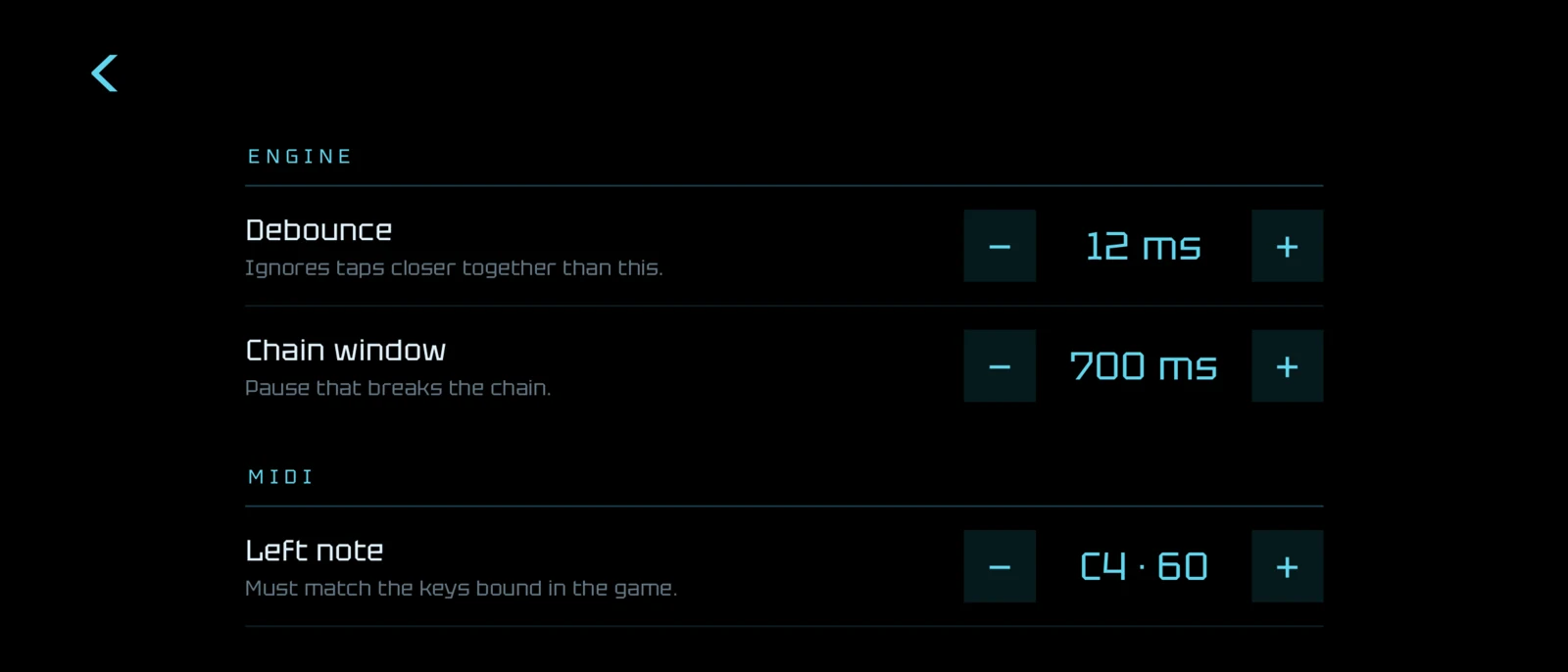
There are exactly as many settings as it takes to line the pad up with the game and with a finger. A 12 ms debounce swallows a finger rolling off the glass and eats nothing real: alternate tapping at twenty taps a second is a 50 ms period.
The gauge
The pad shows three numbers: the current chain, the tempo and the taps this session. The tempo also appears as a column of blocks, and that gauge is deliberately not linear.
Nobody streams below 100, so a linear 0–260 bar would waste its bottom third and give a few pixels to the stretch that actually decides whether you pass a map. Each zone gets a share of the bar sized by how much it matters: warm-up to 140 takes the first third, working tempo to 200 the second, everything above splits the rest. 220 sits near the top, which is what "over the limit" should look like.
The gauge is one colour. Height already carries the whole message, and a colour ramp on top of it was a second voice saying the same thing.
Take it
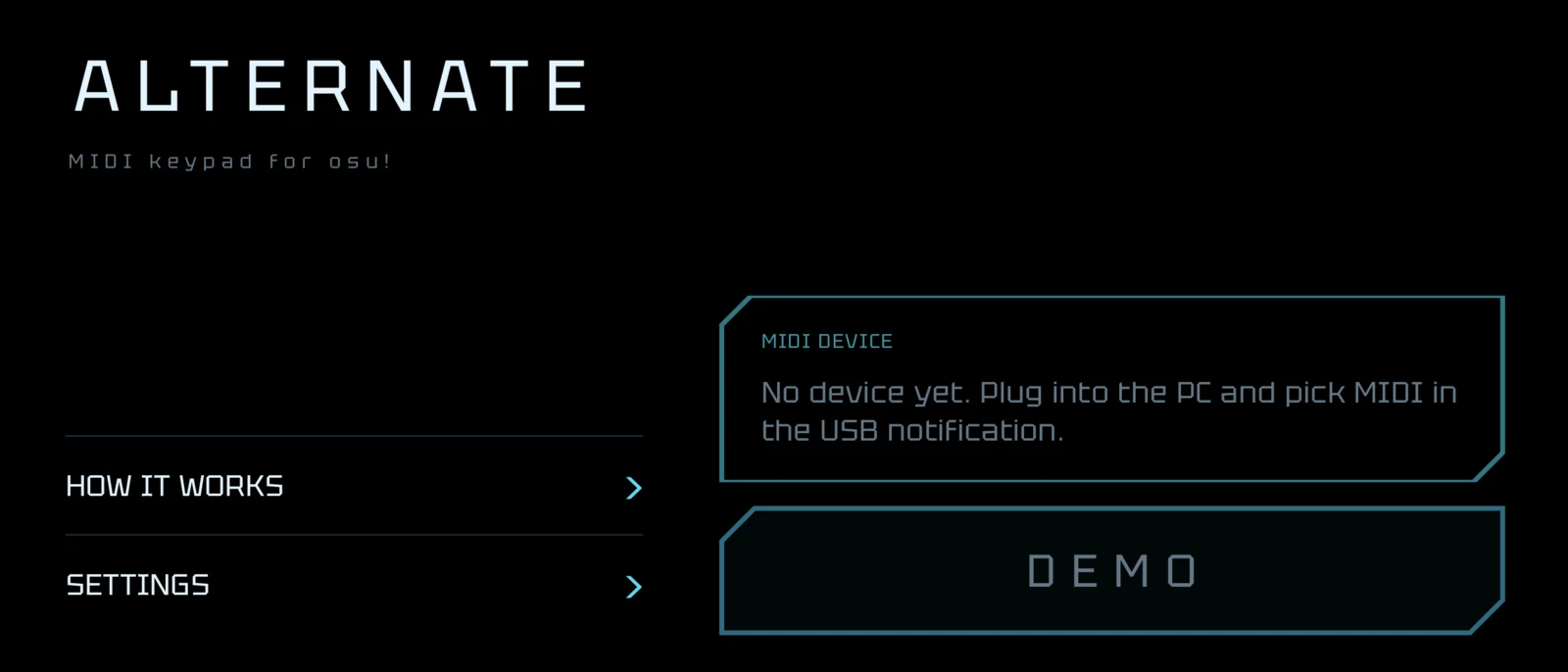
The app is on GitHub under MIT. You need Android 7.0 with USB MIDI support, a data cable — not a charge-only one — and osu!lazer on the computer. Without a cable the pad still opens: the START button reads DEMO instead, the MIDI goes nowhere, and you can try the feel before finding one.
The engine, the tempo maths and the gauge live in a module with no Android imports at all. That is what lets the interesting part be tested without a phone.
9/5/2026